Field Notes
Solar Customer Updates: How to Reduce “What’s Happening With My Project?” Calls
Reduce solar project status calls with clearer milestone updates, honest delay messages, a defined update cadence, and one customer-facing project answer.

Most “what’s happening with my project?” calls are not really asking for more detail. They are asking for certainty.
The customer wants to know where the project stands, whether anything changed, who has the next move, whether they need to do something, and when they will hear from you again. If those answers are missing, silence becomes a reason to call.
The fix is not to send constant messages. Build customer updates around real project milestones, send a new message when an expectation changes, and use a silence rule when the project is legitimately waiting on an AHJ, inspector, utility, equipment, or another outside party.
Good communication does not make every project faster. It makes the waiting understandable and gives the customer one reliable answer.
Why do solar customers keep asking for project status?
Solar projects have an unusual customer journey. The customer may sign once, but the work continues through site information, design, permitting, inspections, procurement, installation, interconnection, PTO, billing, and closeout. Several of those stages can involve organizations the installer does not control.
The Department of Energy notes that the physical installation itself may take only a few days while permitting and inspections can take weeks to months depending on local requirements. Local governments also use different permitting and inspection rules, and administrative errors or backlogs can add delay.
From the customer’s perspective, much of that time looks the same: nothing visible is happening at the house. Internally, the project may be moving through review, corrections, equipment confirmation, inspection scheduling, or a utility queue. If the installer does not explain those states, the customer often experiences them as one long period of silence.
Silence creates uncertainty faster than a clear waiting state
A customer can usually tolerate “we are waiting on the utility and will check again Friday” better than an unexplained two-week gap followed by “we are still waiting.” The operational state did not change. The communication experience did.
This matters in a market where trust cannot be assumed. In SolarReviews’ 2025 installer survey, 81% of respondents said at least one large competitor had closed in their service territory, and respondents frequently described customers as more wary after industry closures. That survey is installer-reported, not a customer satisfaction benchmark, but it is a useful reminder that post-sale confidence matters.
A customer who has already signed a contract should not have to wonder whether silence means normal review time, a missed follow-up, an installer problem, or a company that has stopped paying attention.
Internal project status and customer-facing status are not the same thing
The customer should not receive every internal note, task, blocker code, or department label. They need a simpler view derived from the real operating record.
Internally, a project might say: permit correction received, electrical revision assigned to design, inverter schedule under review, resubmission blocked pending engineering signoff. That level of detail is useful to the team because it controls work.
The customer-facing version can be: the local reviewer requested a plan revision. Our design team is updating the required documents before we resubmit. You do not need to take any action right now. We will update you again by Thursday, even if the review is still in progress.
That message is not vague. It is simply translated into the information the customer can use.
Do not create a second customer-status database
A common failure is to maintain the real project state in one place and a separate customer-facing milestone tracker somewhere else. Now the project manager has one more status to remember to update. When the two drift apart, proactive communication can actually create more confusion.
The customer view should be a controlled translation of the current project record. Internal detail can stay internal, but the external phase, latest meaningful event, next expected action, customer requirement, and next update commitment should come from the same operating facts.
What should every solar customer update answer?
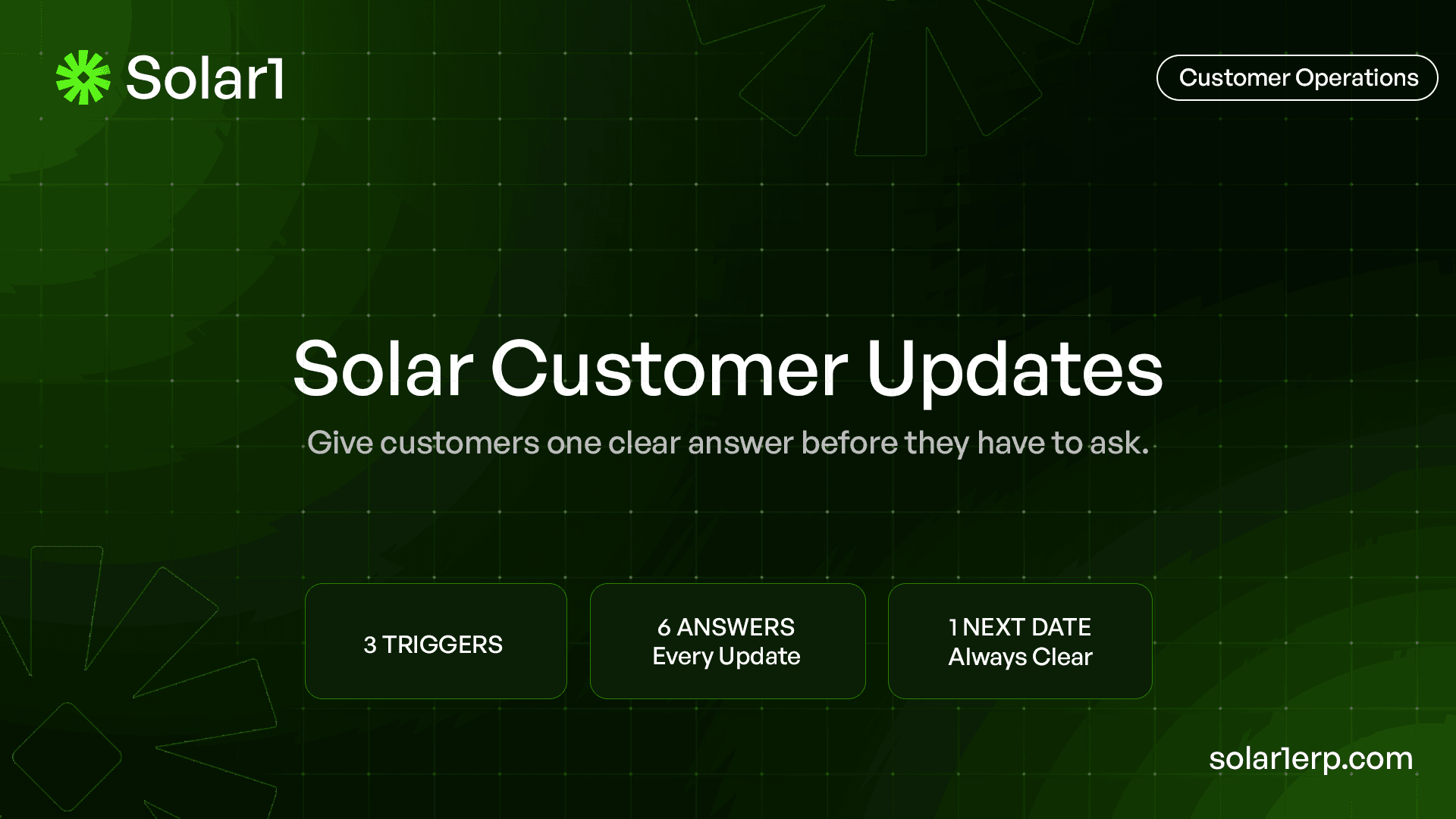
A useful customer update can usually answer six questions without becoming a long email.
- Where is the project now? Use a customer-readable phase such as design, permit review, scheduling, installation, inspection, or utility/PTO.
- What changed since the last update? If nothing changed, say that clearly rather than inventing progress.
- Who has the next move? This may be your design team, the AHJ, an inspector, the utility, the customer, or another party.
- What happens next? Describe the next observable event, not the entire remaining project plan.
- Does the customer need to do anything? If yes, state the exact action and due date. If no, say no action is needed.
- When will you update them again? Give the next communication date even when the external completion date is uncertain.
The last question is one of the most important. An installer may not control when an AHJ or utility responds, but it can control when the customer hears from the installer again.
Which project updates matter most to the customer?
Customers do not need a notification for every internal task. Choose moments that change what they understand, what they need to do, or what they should expect next.
| Project phase | Useful customer update | Avoid promising |
|---|---|---|
| Site survey / intake | Appointment, access needs, missing documents, survey completed | A design or install date before required inputs are known |
| Design | Design started, customer approval needed, material scope change that affects the customer | Final approval before technical review is complete |
| Permit review | Submitted, correction received, resubmitted, approved | A specific AHJ approval date unless it is actually confirmed |
| Install scheduling | Job is genuinely ready, confirmed date/window, customer preparation | A crew date while permit, material, or site-readiness conditions are still open |
| Inspection | Inspection scheduled, result, correction if customer-relevant | PTO simply because the physical installation is complete |
| Interconnection / PTO | Application submitted, utility requirement, meter work where applicable, PTO confirmed | A utility completion date that has not been confirmed |
| Closeout / service | PTO complete, customer documents, monitoring handoff, service/warranty contact path | That every post-install issue is automatically closed at PTO |
The exact milestones depend on the installer’s workflow, contract, project type, AHJ, utility, and financing structure. The purpose of the list is not to standardize every company. It is to separate customer-significant events from internal activity.
Use an event + silence cadence instead of a generic weekly blast
A fixed weekly update sounds disciplined, but it can become repetitive in a fast-moving phase and too slow during an anxious waiting phase. A better communication design combines three triggers.
1. Milestone trigger
Send an update when something customer-significant actually happens: survey completed, design approval required, permit submitted, permit approved, install scheduled, inspection passed, utility action completed, or PTO confirmed.
2. Expectation-change trigger
Send an update when the previous expectation is no longer credible, even if the project did not move to a new stage. A permit correction arrives. Equipment availability changes. Weather affects a crew date. An inspection fails. The utility asks for another document. The customer should not learn about an important expectation change only after the date passes.
3. Silence trigger
If nothing customer-visible has changed for a defined period, send a no-news update. The company should choose that interval by phase and customer expectation rather than copying a universal rule.
A permit review may justify a different silence interval than the days immediately around installation. A complicated commercial project may need a different cadence from a standardized residential job. What matters is that silence is intentional, not accidental.
This creates a useful operating idea: the company is not only tracking the project clock. It is also tracking the customer silence clock.
How do you write a useful update when nothing changed?
The hardest update is often the one where the project is still waiting. Teams avoid sending it because they think there is nothing to say. From the customer’s perspective, confirmation that the project has not been forgotten is meaningful information.
A no-news update should say what is still pending, who currently controls the next event, what your team has done or will do next, whether the customer needs to act, and when the next update will arrive.
Example: permit still under review
Your permit is still under review with the local jurisdiction. We have not received a new correction or approval since our last update. No action is needed from you right now. We will check the project again and send your next update by Friday.
Notice what the message does not say. It does not invent a permit approval date. It gives the customer a date the installer actually controls: the next update.
Example: PTO still waiting on the utility
Your interconnection step is still waiting on utility action before permission to operate can be confirmed. Our team is tracking the application and the next required follow-up. Your system should not be treated as cleared for operation until PTO is confirmed. We will update you again by Tuesday, or sooner if the utility responds.
The wording should be adapted to the actual utility process and project. The principle is to distinguish waiting from neglect.
How should you communicate a permit, inspection, or utility delay?
Delay messages are where weak communication creates the most trouble. “There is a permit delay” is technically an update, but it leaves the customer with more questions than answers.
A better message separates four things: what happened, what the consequence is, what the team is doing, and what is still uncertain.
Permit correction example
The reviewer requested a revision to the submitted plan set. Our design team is updating the required documents before the project is resubmitted. This may move the previous installation estimate, so we are not confirming a new crew date yet. We will update you when the revision is ready for resubmission and again if the schedule changes.
Inspection correction example
The inspection identified an item that needs correction before the project can move forward. Our field team is reviewing the required work now. Once the correction plan and timing are confirmed, we will send the next appointment or reinspection update. No customer action is needed at this time.
Utility timing example
The utility application is active, but the utility has not confirmed the next completion date. We have the next follow-up assigned internally and will send you another status update by Wednesday. If the utility requests information from you or from us before then, we will contact you sooner.
Customers should not be forced to decode whether “pending,” “submitted,” “in review,” and “waiting” mean four different things or four names for the same thing. Use a small customer-facing vocabulary and explain the next event.
Do not promise dates your team does not control
The easiest way to reduce a status call today can create an escalation next week: give the customer a date just to make the conversation feel complete.
There is a difference between a confirmed appointment, an internal target, an external estimate, and a date that nobody has actually committed to. Customer communication should preserve that distinction.
The Federal Trade Commission advises solar consumers to make sure contract terms match what advertisements, proposals, and salespeople told them. That consumer-protection lens is useful after the sale too: operational communication should not quietly turn a rough sales expectation into a promise the delivery team cannot support.
When a date is uncertain, communicate the certainty you do have. “We expect the review to take about X based on the current process” should be treated differently from “your permit will be approved on X.” Better yet, explain the next action and next update date when the external completion date is genuinely unknown.
A customer portal is useful only if the project data behind it is current
A portal can reduce friction because customers can check milestones, documents, appointments, requests, and messages without calling. Current solar platforms already use portals and milestone notifications for this reason.
But the portal is the delivery channel, not the truth itself. If permitting updated a spreadsheet yesterday while the portal still says “permit submitted,” the company has created a polished version of stale information.
The stronger architecture is internal event first, customer view second. Permit approved in the operational record. The customer-facing phase updates from that verified event. If the event is sensitive or changes an expectation, the assigned customer owner reviews the message before it goes out.
This keeps the customer portal from becoming another project tracker employees have to maintain manually.
Make “waiting on customer” impossible to miss
Some status calls happen because the customer does not realize the project is waiting on them. A signature, utility bill, HOA document, roof information, access confirmation, financing step, change approval, or other project-specific requirement can quietly stop progress.
Do not bury that request inside a long project update. Separate it visually and operationally: action required, what is needed, why it matters, where to send or complete it, and the date the team needs it.
Once the customer completes the action, record it as an event and move the workflow forward. The communication should not remain open because someone forgot to clear the request from a separate email list.
Who should own customer updates?
The person doing the technical or administrative work does not need to become the customer communicator for every project. A permit specialist should be able to update the permit state without writing twenty homeowner emails.
Instead, define one customer communication owner or role for the project and make the operational record feed that person the facts they need. Routine factual updates can be prepared automatically. Sensitive changes can be routed for review.
This also reduces contradictory answers. The customer should not receive one timeline from sales, another from the project manager, and a third from the permit coordinator because each person sees a different slice of the project.
Escalation ownership is different from update ownership
A customer communication owner can explain the current state, but a serious delay may need an operations leader, finance lead, sales leader, or technical owner to decide what commitment changes. Do not make the communicator personally responsible for resolving every underlying problem.
The workflow should make the difference visible: communicate the status, escalate the decision, then communicate the approved recovery plan.
What customer updates should be automated, and which need review?
Keep this rule simple. Automate messages when the underlying event is verified, the wording is factual, and the message does not change a sensitive expectation.
Examples include appointment confirmations, document reminders, survey completion, permit submitted, a confirmed inspection appointment, or a routine milestone that has objective completion evidence.
Require human review when the message concerns a failed inspection, major delay, material or design change, unexpected customer cost, disputed responsibility, changed install commitment, or another issue where context and tone matter.
This article is not an automation blueprint. The important communication principle is that automation should distribute a verified answer, not manufacture one.
How do you measure whether customer communication is improving?
Start with the reason customers contact you, not just the total number of calls.
Useful internal measures include inbound status contacts, repeat status contacts on the same project, contacts caused by a missed promised update, customer actions that remain outstanding after a request, escalations caused by timeline confusion, and the percentage of active projects whose next customer update date is already defined.
Normalize the contact count when comparing different months. For example, measure status contacts per 100 active projects rather than treating 80 calls in a 300-project portfolio the same as 80 calls in a 60-project portfolio. This is an internal management metric, not an industry benchmark.
An illustrative capacity example
Suppose the team handles 60 inbound status contacts in a month and each one takes an average of eight minutes across the call or message, record lookup, and follow-up note. That is 480 minutes, or eight person-hours of coordination.
That does not mean proactive updates will eliminate all eight hours. Some customers will still call, some conversations are valuable, and some contacts concern real problems. The example simply gives the team a baseline it can measure before and after changing the communication workflow.
| What the customer experiences | Likely operating cause | First fix |
|---|---|---|
| No update for a long period | No silence rule or next-update commitment | Set a phase-specific customer silence clock |
| Different answers from different employees | Customer communication is not derived from one current project record | Define one customer-facing state and communication owner |
| Repeatedly asks when permit/PTO will finish | External estimate is being treated like a promise | Explain who controls the next event and promise the next update, not an invented completion date |
| Does not know the project is waiting on them | Customer action is buried in notes or email | Create a visible action-required request with due date |
| Finds out about a delay after a date passes | No expectation-change trigger | Send an update when the previous commitment becomes unreliable |
| Portal says something different from the project team | Portal status is manually maintained | Drive the customer view from verified project events |
A practical customer update workflow
A clean workflow can stay simple even when the project itself is complex.
- Define the customer-facing phases. Keep the vocabulary smaller than the internal workflow.
- Map which verified internal events change the customer-facing phase or message.
- Set the communication owner and escalation owner for each project type.
- Choose the customer-significant milestones that deserve immediate updates.
- Define an expectation-change trigger so the customer hears about a changed commitment before the old one expires.
- Set a silence interval for each major waiting phase and always include the next update date.
- Separate routine factual messages from sensitive updates that require human review.
- Measure why inbound status contacts occur and adjust the workflow based on the recurring causes.
The goal is not zero customer contact. A healthy customer relationship still includes questions, decisions, reassurance, and real conversations. The goal is to stop making the customer call simply to discover basic project facts.
How is Solar1 being designed around customer updates?
Solar1 is being built as a complete solar-specific ERP for installers and EPC companies. Customer communication is one part of a larger operating model that connects CRM and customer records with project delivery, design workflow, permitting, interconnection, procurement, inventory, field activity, finance, PTO, service, warranty, and reporting.
The product direction is to let customer-facing updates come from verified project events instead of a separate communication tracker. An approved permit can change the external milestone. A correction can trigger internal work and a reviewed customer message. A confirmed install can create appointment communication. A utility or PTO event can move the customer toward closeout.
The same model should preserve a difference between what the team needs to operate the job and what the customer needs to understand the job. Internal notes, costs, technical reviews, and escalation detail do not all belong in the customer view.
Solar1 is still under development. This describes the operating model the product is being designed around, not a claim that every portal, notification, communication template, automation, approval, or customer workflow described here is currently production-ready.
Give the customer one clear answer, then tell them when the next answer is coming
Reducing status calls is not mainly a customer-service scripting problem. It is an operations problem with a communication layer on top.
The internal team needs a current project record. The customer needs a simpler translation of that record. Meaningful events should create meaningful updates. Changed expectations should be communicated before they become missed expectations. Long waiting states need a silence rule.
And when an AHJ, inspector, or utility controls the next event, do not manufacture certainty. Tell the customer what is known, what is being done, and when they will hear from you again.
Use the Customer Update Template Pack to define milestone messages, no-news updates, delay language, customer action requests, and expectation-change messages for the workflows your team handles most often.
Steps
- Define customer-facing project phases
Create a small set of phases customers can understand, such as design, permit review, scheduling, installation, inspection, utility/PTO, and closeout.
- Map phases to verified project events
Decide which internal events are authoritative enough to change the customer-facing phase or trigger a message.
- Choose customer-significant milestones
Send immediate updates for events that change what the customer understands, needs to do, or should expect next.
- Create an expectation-change rule
Notify the customer when a previous schedule or commitment is no longer credible instead of waiting for the old date to pass.
- Set a silence clock
Define how long each major waiting phase can go without an update and always give the customer the next communication date.
- Assign communication and escalation owners
Give one role responsibility for customer communication while routing operational or commercial decisions to the people who can actually resolve them.
- Separate routine messages from sensitive ones
Automate factual milestone and reminder messages where appropriate, but require review for delays, corrections, scope changes, and other expectation-sensitive communication.
- Measure why customers contact you
Track inbound status contacts, repeated questions, missed promised updates, unresolved customer actions, and timeline-related escalations so the workflow improves over time.
Frequently asked questions
Why do solar customers keep calling for project updates?
Usually because they do not know the current phase, what changed, who controls the next step, whether they need to act, or when they will hear from the installer again. Long permitting, inspection, interconnection, procurement, or scheduling waits make unexplained silence especially frustrating.
How often should a solar installer update customers?
Use a combination of milestone updates, expectation-change updates, and a phase-specific silence rule. There is no universal weekly cadence. The right interval depends on the project stage, local process, customer expectation, and how long the next external event normally takes.
What should a solar project update include?
State the customer-facing phase, what changed, who has the next move, what happens next, whether the customer needs to do anything, and when the next update will arrive. If nothing changed, say so clearly.
How should installers explain permit or PTO delays?
Separate what happened, what the installer is doing, what remains outside the installer’s control, and when the customer will hear from the company again. Avoid promising an AHJ or utility completion date that has not actually been confirmed.
Does a solar customer portal reduce status calls?
It can, but only when the information behind it is current. A portal should display a customer-facing view derived from verified project events rather than becoming another manually maintained status tracker.
Should solar customer updates be automated?
Routine factual updates tied to verified events are good candidates. Sensitive delays, failed inspections, design or equipment changes, unexpected costs, disputed responsibility, and changed customer commitments should usually receive human review before the message is sent.