Field Notes
Solar ERP vs Solar CRM: What Installers Actually Need
Learn the difference between solar ERP and solar CRM, when each matters, and why growing installers need more than sales pipeline tracking.

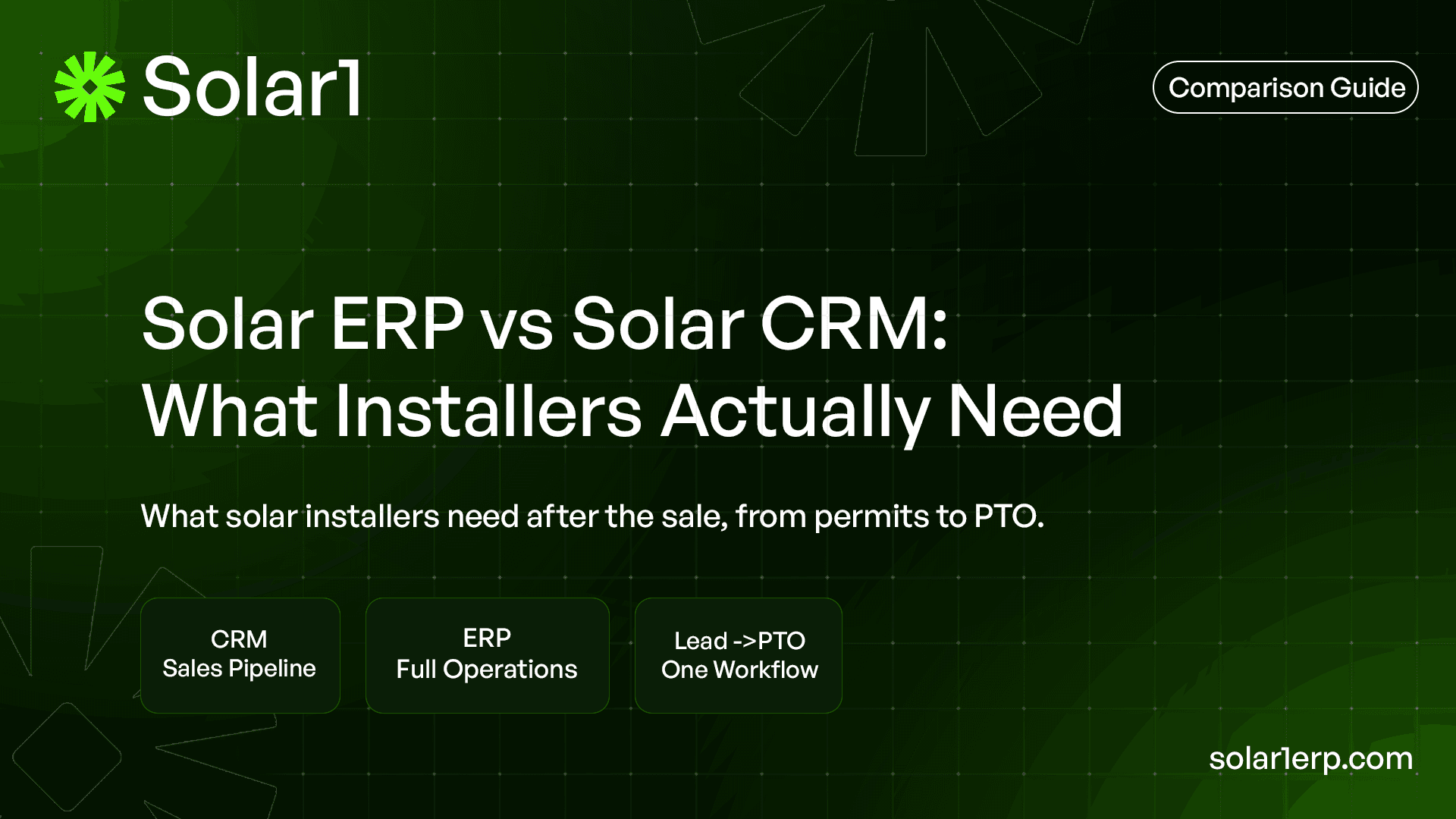
A solar CRM helps you win the deal. A solar ERP helps you finish the job.
That is the simplest difference.
CRM is about sales visibility.
ERP is about operational control.
Most solar companies need both thinking at some point.
The mistake is expecting a CRM to run the whole business after the customer signs.
What is the difference between solar ERP and solar CRM?
A solar CRM is mainly used to manage leads, sales activity, customer communication, proposal follow-ups, and pipeline stages. It helps the sales team answer questions like: Who is the lead? What stage are they in? Did we follow up? Did they sign?
A solar ERP is broader. It helps the company manage the operating workflow after and around the sale. That includes project handoff, site survey, design status, permitting, AHJ requirements, interconnection, field updates, inventory, finance milestones, reporting, and PTO tracking.
The difference matters because solar is not a normal sales business. A signed customer is not the finish line. It is the start of a long project workflow with several teams involved. Sales can win the deal, but operations has to deliver the job, protect margin, and keep the customer updated until the system is approved and producing.
Why does this matter for solar installers in 2026?
Solar installers are dealing with a market where operational discipline matters more than ever. SEIA and Wood Mackenzie reported that the U.S. solar industry installed 7.8 GWdc in Q1 2026, down 27% from Q1 2025. Their Q2 2026 report also notes that permitting bottlenecks and lengthy equipment timelines remain headwinds for the industry.
That does not mean solar demand is gone. It means installers cannot afford sloppy operations. When project timelines stretch, every internal delay becomes more expensive. A CRM may show that the deal was won, but it will not automatically show that the permit is stuck, the crew is waiting on a missing document, the inverter is not available, or finance missed the billing trigger.
The U.S. Department of Energy also defines solar soft costs as non-hardware costs like permitting, financing, installation, customer acquisition, supplier payments, and company overhead. That is the exact zone where operational software starts to matter.
What does a solar CRM actually do?
A solar CRM helps installers manage the front end of the business.
That usually includes lead capture, contact details, sales notes, call history, proposal follow-ups, appointment scheduling, pipeline stages, win/loss status, and sometimes basic customer communication. For many installers, the CRM is where the sales team lives every day.
A good CRM can help answer:
- How many leads came in this week?
- Which sales rep owns this account?
- Has the customer received a proposal?
- What is the probability of closing?
- Which deals are stuck?
- Which campaigns are producing leads?
That is useful. Without a CRM, sales teams often fall back into spreadsheets, inboxes, missed follow-ups, and memory. But a CRM is not designed to manage the full solar project lifecycle. Once a deal becomes a real installation project, the work becomes more operational than sales-driven.
What does a solar ERP actually do?
A solar ERP helps connect the company’s operating system.
Instead of only tracking who the customer is and whether they signed, it tracks what needs to happen next across the business. That can include sales handoff, project setup, design status, permit application, AHJ comments, utility interconnection, crew scheduling, install readiness, inventory, job costing, inspection, PTO, invoice milestones, and reporting.
A solar ERP is especially useful when the team needs one shared source of truth. Sales should not have one version of the project, permitting another, field another, and finance another. That is how updates get lost.
The ERP view is more practical: what is the current project stage, who owns the next action, what is blocked, what documents are missing, what can be invoiced, and what should management pay attention to this week?
Is CRM enough for a solar installation company?
CRM can be enough if the company is very small, the project volume is low, and the owner can still mentally track what is happening.
But CRM usually becomes too narrow once the company has multiple active projects, multiple team members, multiple AHJs, and multiple handoffs. At that point, the problem is no longer just “Who should we sell to?” The problem becomes “How do we deliver every job without losing margin or customer trust?”
For example, a CRM may tell you that a residential solar deal closed two weeks ago. But it may not show that the AHJ needs a revised drawing, the permit comment letter is waiting for response, the install crew was scheduled before materials were confirmed, or the PTO application has not been submitted.
That is why growing installers often keep the CRM but add an operations layer. Sales still needs pipeline visibility. Operations needs project control.
Solar ERP vs Solar CRM: side-by-side comparison
| Area | Solar CRM | Solar ERP |
|---|---|---|
| Main purpose | Manage leads and sales pipeline | Manage full business operations |
| Best for | Sales reps, lead follow-up, proposal tracking | Owners, operations, project managers, finance, field teams |
| Core question | “Will this customer buy?” | “What needs to happen next to complete the job?” |
| Project visibility | Limited after deal close | Full project lifecycle visibility |
| Permitting | Usually basic notes or custom fields | Permit stages, AHJ requirements, resubmissions, blockers |
| Interconnection and PTO | Usually not a native workflow | Tracks utility application, approval, and PTO status |
| Field operations | Often separate or manual | Crew schedule, install status, site readiness, photos |
| Finance | Limited sales value view | Milestones, invoices, job costing, margin visibility |
| Reporting | Sales pipeline and conversion | Stuck projects, workload, project progress, cash triggers |
| Risk if used alone | Sales looks organized, operations stays messy | Needs setup discipline and team adoption |
The practical answer is not always “CRM or ERP.” For many solar companies, it is “CRM plus ERP thinking.” Sales needs to close the customer. The company still needs to deliver the job.
Where do solar companies usually get stuck?
The most common problem is the handoff after close.
Sales closes the job. Then the project moves to design, permitting, procurement, scheduling, installation, inspection, interconnection, and billing. Every handoff creates a chance for information to get lost. The customer may have special notes. The roof details may need review. The AHJ may require a specific document. The utility process may have its own timeline. Finance may need to invoice at a specific milestone.
If those details stay inside sales notes, inboxes, spreadsheets, or chat messages, the team starts chasing instead of executing.
This is where CRM-only setups start to feel stretched. A sales pipeline is not the same as a project operations board. A closed deal should automatically become structured operational work, not another manual handoff.
What is the ROI difference between CRM and ERP?
CRM ROI usually comes from better lead follow-up, higher conversion, and fewer lost sales opportunities.
ERP ROI usually comes from saved admin time, fewer handoff mistakes, better project visibility, faster billing, and reduced operational leakage. Both matter, but they affect different parts of the business.
Here is a simple illustrative example. If five team members each spend 30 minutes per day chasing project updates across spreadsheets, messages, and meetings, that becomes:
5 people × 30 minutes × 5 days = 750 minutes per week
750 minutes = 12.5 hours per week
That is not a public industry benchmark. It is a simple way to calculate internal time leakage. The real number will vary by team. But most solar operations teams know the feeling: too much time goes into finding status, confirming ownership, and asking what changed.
Permitting delays show why process visibility also matters. NREL’s SolarAPP+ performance review found that a typical SolarAPP+ project was permitted and inspected 14.5 business days sooner than traditionally permitted projects in 2023. Solar ERP does not replace AHJs or permitting platforms, but the finding shows how valuable timeline reduction can be in solar operations.
When should a solar company move beyond CRM?
A solar company should move beyond CRM when the pain has shifted from sales visibility to delivery visibility.
Here are signs:
- Sales says the deal is closed, but operations is missing information
- Project managers keep asking for the latest customer notes
- Permit follow-ups are tracked manually
- Field crews do not always have the latest job status
- Finance waits for someone to confirm when to invoice
- Owners need weekly meetings just to understand what is stuck
- Customer updates are reactive instead of proactive
- Project margin is hard to see until too late
These are not CRM problems. They are operating system problems.
A CRM can tell you that revenue is coming. An ERP helps you make sure the work gets delivered, billed, and completed without hidden chaos.
Does solar ERP replace solar CRM?
Not always.
In some companies, the ERP includes enough CRM capability to manage the full lead-to-cash process. In others, the CRM remains useful for marketing, sales pipeline, lead scoring, and sales activity, while the ERP becomes the main system for project delivery and business operations.
The key is not the label. The key is whether the workflow is connected.
If sales data stays trapped in the CRM and operations starts from scratch, the company will still have handoff problems. The better setup is one where customer, project, permit, field, and finance data are connected clearly enough that everyone can see the same truth.
For Solar1, the focus is not to make teams throw away everything overnight. The focus is to give solar installers a practical operations layer where lead handoff, permits, field work, finance, and PTO can be managed with less guesswork.
What should installers look for before choosing CRM or ERP?
Start with the workflow, not the software category.
Map one real project from first lead to final PTO. Write down every stage, every handoff, every document, every approval, every field update, and every billing milestone. Then ask where visibility breaks.
If most of the pain is before the sale, CRM may be the priority. If most of the pain is after the sale, ERP is probably the bigger need. If both are painful, the company needs a connected lead-to-operations workflow.
Solar installers should look for software that can answer simple questions fast:
- Which projects are stuck?
- Why are they stuck?
- Who owns the next step?
- Which permits need follow-up?
- Which installs are ready?
- Which jobs can be invoiced?
- Which projects are close to PTO?
- Where is margin leaking?
If the system cannot answer those questions, the team will keep rebuilding the truth manually.
Where does Solar1 fit?
Solar1 is built around the part of the solar business where many tools get thin: operations after and around the sale.
A CRM can help manage leads. A proposal tool can help sell. A design tool can help create the system. But installers still need a way to control the work that happens between signed contract and final PTO. That is where Solar1 is focused.
Solar1 gives solar teams a clearer way to manage project stages, permit status, interconnection, field updates, finance milestones, and reporting in one operating workflow. The goal is not to add another place for updates. The goal is to reduce the number of places teams have to check before they know what is true.
If your sales pipeline looks clean but your project delivery still depends on spreadsheets, chat threads, and status meetings, your company may not have a sales software problem anymore. You may have an operations system problem.
Solar1 is built for that next stage.
Frequently asked questions
1. What is the difference between solar ERP and solar CRM?
Solar CRM manages leads, sales activity, customer communication, and pipeline stages. Solar ERP manages the broader operating workflow, including projects, permits, interconnection, field work, finance, reporting, and PTO.
2. Do solar installers need both CRM and ERP?
Some installers need both, especially if sales and operations are handled by different teams. Smaller companies may start with CRM, but growing teams often need ERP when project delivery becomes harder to control.
3. Can a CRM manage solar projects?
A CRM can track basic project notes or custom stages, but it usually becomes limited for permitting, field updates, inventory, job costing, interconnection, and billing milestones. It can work temporarily, but it often becomes messy as project volume grows.
4. When should a solar company move from CRM to ERP?
Move beyond CRM when your biggest problem is no longer lead follow-up, but project visibility. Signs include missed handoffs, permit confusion, field update gaps, delayed invoices, and owners needing meetings just to understand what is stuck.
5. Is solar ERP only for large EPC companies?
No. Large EPC companies may need deeper controls, but residential and commercial installers can also need ERP when they manage many active jobs, multiple AHJs, multiple utilities, and several internal handoffs.
6. Does Solar1 replace a CRM?
Solar1 gives solar installers one connected system to manage the full workflow from lead to PTO. It brings sales handoff, projects, permits, field updates, finance milestones, and operations into one place.